
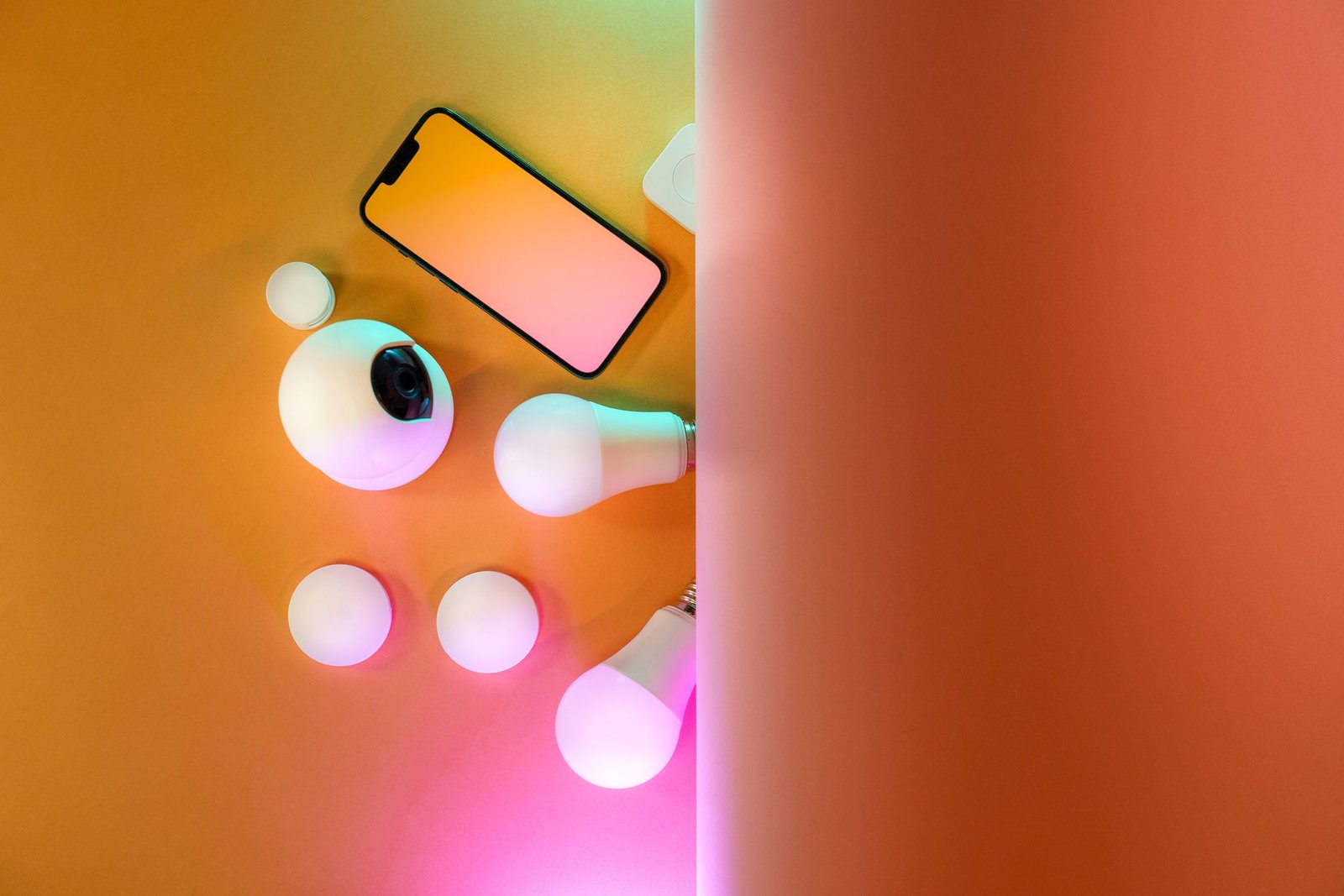
The integration of smart lighting systems significantly enhances domestic comfort and aesthetic appeal, offering unparalleled convenience and energy efficiency. However, even the most sophisticated smart lights can occasionally exhibit issues such as flickering or unresponsiveness, disrupting the seamless experience. When smart lights begin to malfunction, quick and effective troubleshooting is essential to restore optimal operation. This article outlines five critical steps for diagnosing and resolving common smart lighting problems, tailored for the advanced systems available in 2026.
Understanding Smart Lighting Challenges in 2026
In 2026, smart lighting systems leverage advanced communication protocols like Wi-Fi 7, Thread, and the unifying Matter standard, promising greater stability, interoperability, and responsiveness across diverse ecosystems. Yet, despite these technological leaps, these sophisticated setups are not entirely immune to glitches. Flickering can indicate a minor power fluctuation, a deeper network conflict, or even a subtle software bug, while unresponsiveness often points directly to connectivity issues, software malfunctions, or sometimes, hardware degradation. The increasing density of smart home devices can also contribute to localized network congestion or unexpected protocol conflicts, presenting new challenges for maintaining consistently reliable lighting performance.
The Evolution of Smart Lighting Technology and Materials in 2026
Modern smart light bulbs now incorporate highly efficient, long-lasting LED arrays paired with sophisticated microcontrollers and integrated System-on-Chip (SoC) solutions. The drivers managing power delivery are significantly more robust, designed to handle wider voltage fluctuations. Furthermore, integrated sensors offer advanced features such as ambient light detection, occupancy sensing, and even localized air quality monitoring in some premium models. While these advancements minimize outright hardware failures, intermittent network communication or subtle software bugs remain primary culprits for operational anomalies.
From a materials science perspective, 2026 sees the widespread adoption of advanced, heat-dissipating composite materials for bulb housings and internal components. These materials, often incorporating graphene or specialized ceramic alloys, actively manage thermal loads, significantly extending the lifespan of the sensitive internal electronics and LED emitters. Enhanced semiconductor longevity is also a key focus, leading to components that are less susceptible to degradation from continuous operation. However, even with these durable innovations, proper electrical conditions and a robust network infrastructure are paramount for sustained, flicker-free performance and reliable responsiveness.
5 Troubleshooting Steps for Flickering or Unresponsive Smart Lights in 2026
Step 1: Perform Essential Power Cycle and Basic Physical Checks
A complete power cycle often resolves temporary software glitches or communication freezes, giving the system a fresh start.
- Inspect Light Bulb/Fixture Connections: Ensure the smart bulb is securely screwed into its socket. Loose connections cause intermittent power, leading to flickering or sporadic unresponsiveness. For integrated fixtures, confirm all wiring is snug.
- Power Cycle the Individual Light: Turn the physical wall switch off for at least 30 seconds, then back on. This reboots the light’s internal microcontrollers.
- Power Cycle the Home Network Router: Unplug the Wi-Fi router or mesh network main node for one minute, then plug it back in. Allow several minutes for the network to fully reboot and devices to reconnect. Wi-Fi 7’s complexity benefits from this to clear caches and re-optimize channels.
- Check Electrical Circuit Breakers: Confirm that the circuit breaker supplying power to the affected lights has not tripped. A partially tripped breaker can cause erratic power delivery.
Step 2: Review Network Connectivity and Signal Strength Thoroughly
Most smart light issues, especially unresponsiveness, stem from unstable or weak network connections. Diagnosing connectivity in Wi-Fi 7 and Matter/Thread networks requires a nuanced approach.
- Verify Wi-Fi Signal Strength and Quality: Use the smart home app or a network analyzer to check signal strength at the light’s location. Weak signals from distance or dense materials cause communication timeouts. Consider a mesh Wi-Fi 7 system or extender for better coverage.
- Check for Wireless Network Interference: Other wireless devices (e.g., microwaves, neighboring Wi-Fi) can cause interference. While Wi-Fi 7 improves mitigation, adjusting router channels via the administrative interface may help.
- Confirm Matter/Thread Network Health: If using Matter over Thread, ensure the Thread Border Router (e.g., compatible hub) is online and functioning. A healthy Thread network shows active indicators in its app. Verify no new metal objects impede RF signals.
- Assess Network Congestion and Device Load: Homes in 2026 often have many Wi-Fi devices. Excessive devices on one access point can overwhelm it. If multiple devices have issues, consider upgrading the router or distributing devices across multiple access points or frequency bands (e.g., 2.4 GHz for IoT, 5/6 GHz for high-bandwidth).
Step 3: Update Firmware and Software Regularly
Outdated software is a frequent cause of performance anomalies, leading to instability and compatibility issues. Keeping all components current is a critical step.
- Update the Smart Home Control Application: Ensure the smart lighting control app on the resident’s mobile device is updated to the latest version via the app store. Updates address bugs, improve stability, and enhance compatibility.
- Update Smart Light Bulb Firmware: Within the smart home app, check for and install available firmware updates for the affected lights. Manufacturers regularly push updates to optimize performance, fix bugs (including flickering), and improve network communication.
- Update Smart Hub/Bridge Firmware: If the system uses a dedicated hub or bridge, ensure its firmware is also current. These central devices are critical for orchestrating communication.
Step 4: Reset and Re-pair the Smart Light Effectively
When software updates and network adjustments fail, a full reset can resolve deep-seated configuration errors or communication conflicts.
- Perform a Soft Reset (Network Reset): Many smart lights have a specific on/off power cycle sequence (e.g., five rapid toggles) that clears the device’s current network configuration without a full factory reset. Consult the manufacturer’s instructions.
- Execute a Factory Reset: If a soft reset doesn’t work, a factory reset reverts the light to its default settings, erasing all previous pairing and configuration. This is often done via a longer, specific power cycle sequence. The light will then need to be re-paired. This is effective if the light was moved or its configuration corrupted.
- Re-pair the Device with the System: After a factory reset, follow manufacturer instructions to re-add the smart light. Ensure the smart home hub or pairing device is in close proximity for successful connection.
Step 5: Inspect for Environmental Factors and Advanced Hardware Issues
While less common with 2026’s robust hardware, certain physical factors or rare hardware faults can contribute to malfunctions.
- Check for Overheating Conditions: Ensure the smart light bulb or fixture has adequate ventilation. Enclosed fixtures can trap heat, causing bulbs to overheat, leading to flickering, dimming, or failure.
- Examine for Physical Damage or Degradation: Visually inspect the bulb or fixture for cracks, loose components, discoloration, or burning smells, indicating internal electrical problems.
- Assess Power Supply Stability and Quality: Power fluctuations (sags or surges) can affect sensitive electronics. If flickering persists across multiple devices, consider a whole-house surge protector or smart power strips with voltage regulation. A UPS can provide clean, consistent power for sensitive setups.
- Verify Compatibility with Fixture and Dimmer Switches: Ensure the smart bulb is fully compatible with the specific light fixture and any existing dimmer switches. Older or non-smart dimmers can interfere even when set to full power. Always check manufacturer recommendations.
Preventative Measures and 2026 Smart Home Best Practices
Proactive maintenance significantly reduces smart light issues. In 2026, homeowners benefit from sophisticated diagnostic tools and self-monitoring systems.
- Regular Network Audits and Optimization: Periodically review the home network for dead spots, device overload, or interference. Network analysis tools provide valuable insights.
- Automated Updates Configuration: Configure smart home hubs and devices for automatic firmware updates. This keeps the system current with stability improvements and security patches.
- Strategic Smart Device Placement: When expanding, consider the proximity of lights to Wi-Fi access points or Thread Border Routers. Optimized placement enhances network stability.
- Future-Proofing with Matter Compatibility: Prioritize Matter-certified lighting components. This enhances interoperability across brands and simplifies future troubleshooting.
Conclusion
Smart lights are an integral and highly valued component of the modern connected home, providing unparalleled convenience, energy efficiency, and customizable ambiance. While occasional operational issues like flickering or unresponsiveness can arise, the systematic, step-by-step approach outlined in this guide offers a comprehensive framework for effective troubleshooting in 2026. By diligently checking fundamental power connections, optimizing network connectivity, maintaining up-to-date software, performing necessary resets, and considering environmental factors, residents can quickly diagnose and resolve the vast majority of problems. Embracing these preventative maintenance strategies and leveraging the advanced capabilities of 2026 smart home technology ensures a consistently brilliant, reliable, and responsive lighting experience throughout the home.