
When smart home devices exhibit lagging performance or frequent disconnections, it often points to underlying network issues rather than device malfunction. For homeowners in 2026, navigating an increasingly complex digital ecosystem, understanding how to diagnose and resolve these network bottlenecks is essential for maintaining seamless domestic comfort. This guide provides a comprehensive, step-by-step approach to troubleshooting smart home networks, ensuring optimal operation for the myriad of connected technologies now integrated into modern living spaces.
Understanding the 2026 Smart Home Network Landscape
The year 2026 marks a significant evolution in smart home technology, characterized by an unprecedented density of interconnected devices. The proliferation of Wi-Fi 7 (802.11be) offers higher throughput and lower latency, yet also introduces complexities with spectrum management. Standards like Matter and Thread have matured, promising enhanced interoperability and local control, but their reliance on robust foundational networks remains critical. The modern smart home is a microcosm of the internet, demanding a network infrastructure capable of handling diverse protocols, constant data streams, and distributed intelligence.
The Evolution of Connectivity
Current trends highlight a shift towards edge computing, where more processing occurs directly on smart devices or local hubs, reducing reliance on cloud services for instantaneous tasks. This architecture minimizes WAN latency but places greater demands on the local area network (LAN) for quick, reliable communication between devices. High-definition streaming, real-time security monitoring, and AI-powered automation routines contribute to a perpetually active and data-intensive environment. Connectivity isn’t just about speed; it’s about stability, responsiveness, and capacity.
Emerging Technologies and Standards
Wi-Fi 7, with its multi-link operation (MLO) and 320 MHz channels in the 6 GHz band, provides unprecedented bandwidth. However, leveraging these advantages requires compatible hardware and careful network planning. Matter unifies connectivity across Wi-Fi, Thread, and Ethernet, aiming to simplify device onboarding and communication. Thread, a low-power mesh networking protocol, creates resilient networks for battery-operated devices, yet requires a Border Router (often integrated into Wi-Fi routers or smart hubs) to bridge to the IP network. Understanding the interplay of these technologies is foundational to effective troubleshooting.
Diagnosing Common Network Bottlenecks
Before implementing solutions, identifying the root cause of network performance issues is paramount. Several common factors can contribute to smart home device lag or disconnection.
Weak Signal and Coverage Gaps
Physical obstructions such as walls, floors, and large appliances significantly attenuate Wi-Fi signals. Dead zones, where signal strength is minimal or non-existent, are common in larger homes or multi-story residences. Devices attempting to connect through these weak areas will experience slow speeds or frequent dropouts. Signal strength can be measured using network analyzer apps available on various platforms.
Interference and Congestion
The 2.4 GHz and 5 GHz Wi-Fi bands are susceptible to interference from other wireless devices, including cordless phones, microwaves, Bluetooth devices, and even neighboring Wi-Fi networks. In dense urban environments, spectrum congestion can lead to significant slowdowns. The 6 GHz band, utilized by Wi-Fi 6E and Wi-Fi 7, offers a wider, less congested spectrum, but not all devices support it.
Bandwidth Saturation and QoS
A typical 2026 household might have dozens of smart devices, each consuming a portion of the available bandwidth. High-bandwidth activities like 8K video streaming, online gaming, and large file downloads can saturate the network, leaving insufficient capacity for other smart home operations, leading to delays in command execution or sensor data transmission.
Outdated Hardware and Firmware
Older routers, access points, or even smart devices with outdated firmware may lack the necessary processing power, memory, or protocol support to efficiently handle modern network demands. This can result in dropped packets, slower data transfer, and general instability. Regular updates are crucial for security and performance.
IP Conflicts and Network Stability
Occasionally, two devices on the same network may attempt to use the same IP address, leading to an IP conflict. This confusion prevents one or both devices from communicating correctly. Issues with the router’s Dynamic Host Configuration Protocol (DHCP) server, which assigns IP addresses, can also cause instability.
Step-by-Step Network Troubleshooting
A systematic approach is essential for effective diagnosis and resolution.
Optimize Router Placement and Antennas
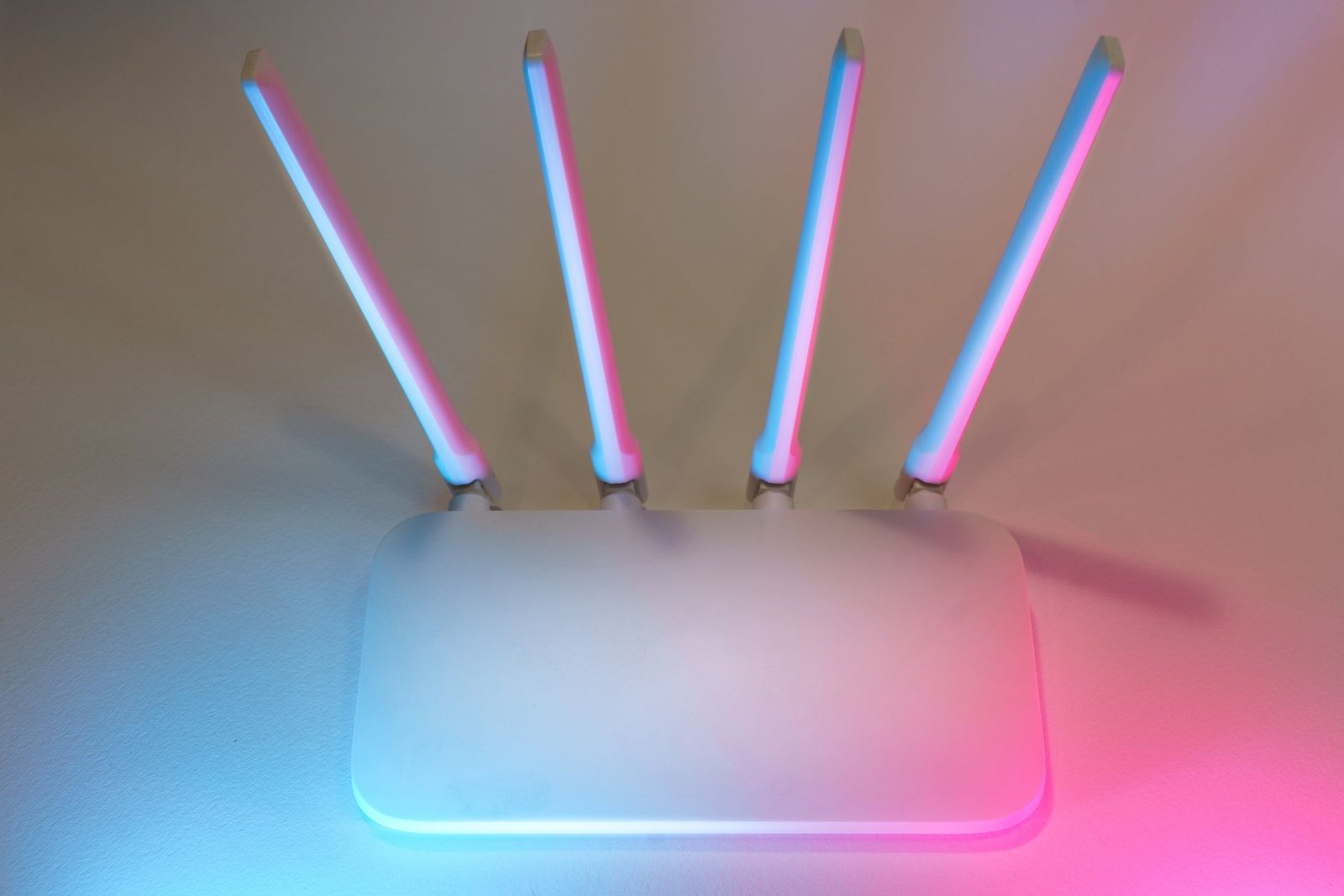
The router should be centrally located within the home, elevated, and free from obstructions. Avoid placing it near large metal objects, concrete walls, or other electronics that emit electromagnetic interference. If the router has external antennas, adjusting their orientation can sometimes improve signal directionality. For multi-story homes, strategic placement on an upper floor or mid-level landing is often beneficial.
Update Firmware and Software
- Router Firmware: Access the router’s administration interface (usually via a web browser) and check for the latest firmware updates. Manufacturers frequently release updates to improve performance, security, and compatibility.
- Smart Device Firmware: Ensure all smart home devices and hubs are running their latest firmware versions. Updates often include critical bug fixes and performance enhancements.
- Network Drivers: For any connected computers or servers impacting the network, ensure their network adapter drivers are current.
Leverage Wi-Fi Channel Optimization
Interference from neighboring networks can be mitigated by changing the Wi-Fi channel. Network analysis tools (available as apps or built into some routers) can identify the least congested channels in the 2.4 GHz, 5 GHz, and 6 GHz bands. Experimenting with different channels can significantly improve stability, especially in dense residential areas. For 2.4 GHz, channels 1, 6, and 11 are generally recommended due to minimal overlap.
Implement Quality of Service (QoS) Settings
Most modern routers include QoS settings, which allow the resident to prioritize certain types of network traffic. By assigning higher priority to smart home device communications (e.g., security cameras, thermostats, lighting controls), their performance can be safeguarded even when the network is under heavy load from other activities like streaming or gaming. Configure QoS to prioritize low-latency devices or essential smart home hubs.
Evaluate and Enhance Mesh Networks
For larger homes, a mesh Wi-Fi system is often more effective than a single router and range extenders. Mesh systems create a unified network with multiple access points, seamlessly handing off devices between nodes. Ensure mesh nodes are strategically placed to overlap coverage without being too close, which can reduce backhaul efficiency. Verify that all mesh nodes are communicating effectively and are updated to the latest software.
Address IP Address Management
- DHCP Leases: Ensure the router’s DHCP server is configured with an adequate lease time and address pool.
- Static IP for Hubs: Consider assigning static IP addresses to critical smart home hubs or servers to prevent IP conflicts and ensure they are always discoverable at a consistent address.
- Router Reboot: A simple router reboot can often clear temporary IP conflicts and refresh network settings.
Review Device-Specific Diagnostics
Many smart devices and hubs offer diagnostic information within their respective apps, including signal strength, last connected time, and error logs. Checking these logs can reveal intermittent connectivity issues specific to individual devices, guiding further investigation.
Advanced Strategies for Seamless Connectivity
For persistent issues or to future-proof the smart home network, consider these advanced solutions.
Upgrade to Wi-Fi 7 (802.11be) Hardware
If the existing network infrastructure is several years old, upgrading to a Wi-Fi 7 compatible router and potentially mesh system can dramatically improve performance, especially for future high-bandwidth smart home devices. Wi-Fi 7 offers superior capacity, lower latency, and more efficient spectrum utilization across all available bands.
Consider a Dedicated Smart Home Hub
A dedicated smart home hub (e.g., Homey Pro 2026 edition, Hubitat Elevation) that supports Matter, Thread, Zigbee, and Z-Wave can offload significant traffic from the Wi-Fi network. These hubs often process automations locally, reducing reliance on cloud services and improving responsiveness and reliability even during internet outages.
Utilize AI-Powered Network Management Tools
Several advanced routers and network management platforms in 2026 incorporate AI to proactively monitor network health, identify potential bottlenecks, and optimize settings automatically. These tools can predict congestion, suggest channel changes, and even alert the resident to impending issues, minimizing downtime.
Implement Robust Network Security (WPA4)
While not directly related to lagging, a secure network is a stable network. Ensure the use of WPA3 or the emerging WPA4 security protocols where available. A compromised network can lead to unauthorized access, bandwidth theft, and overall instability. Regular password changes and enabling guest networks for visitors are also recommended.
Conclusion
Maintaining a high-performing smart home network in 2026 requires proactive attention and a systematic troubleshooting approach. By understanding the evolving landscape of connectivity, diligently diagnosing common issues, and implementing both fundamental and advanced solutions, residents can ensure their smart home devices operate seamlessly. Regular firmware updates, optimal router placement, and leveraging the latest Wi-Fi standards are key to unlocking the full potential of domestic automation and comfort, safeguarding against the frustrations of lagging or disconnected devices.