
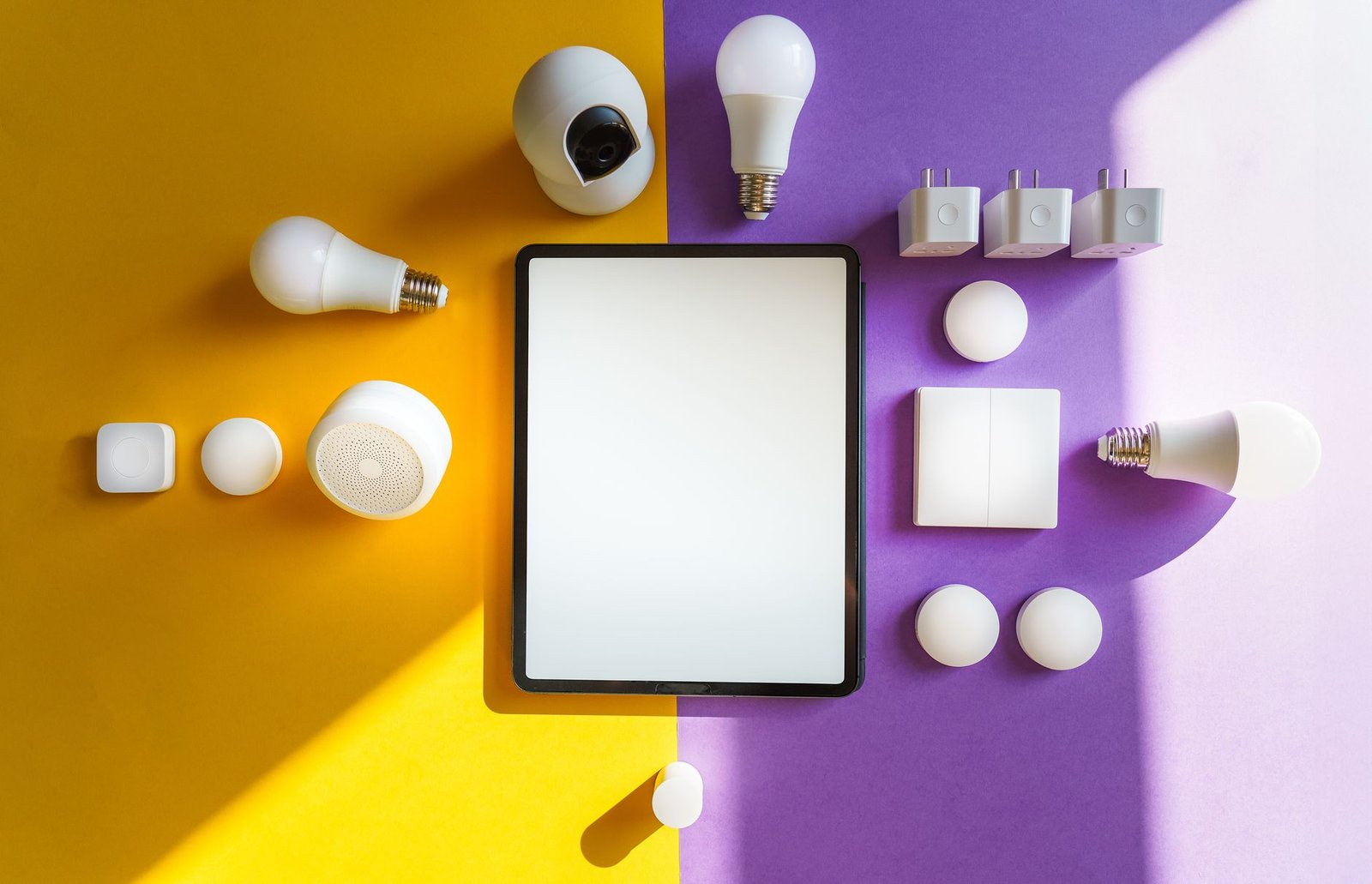
When smart lights fail to respond, disrupting the seamless convenience of a modern home, it can be a source of significant frustration for the resident. This guide provides 7 comprehensive troubleshooting tips, offering a step-by-step approach to diagnose and resolve common issues, ensuring smart lighting systems operate flawlessly in 2026.
1. Initial Power Cycle: The Essential Reset
Often, the simplest solution is the most effective. A complete power cycle can resolve many transient glitches affecting smart devices and network components.
1.1. Resetting the Smart Light Fixture
- Switch Cycle: The homeowner should begin by flipping the physical light switch controlling the smart light off for at least 10-15 seconds. This brief power interruption can clear temporary software errors within the bulb’s internal components.
- Direct Power Disconnect: For plug-in smart lights or fixtures, unplugging the device from its wall outlet for a similar duration achieves a hard reset, ensuring a complete power drain and restart.
1.2. Rebooting Network Infrastructure
- Router Reboot: The Wi-Fi router, which serves as the backbone for most smart home networks, should be powered off, waited for 30-60 seconds, and then powered back on. This refreshes the network’s IP assignments and internal processes.
- Smart Hub/Bridge Reset: If a dedicated smart home hub or bridge is utilized, restarting this device is crucial. Many hubs benefit from a brief power down to clear cached data, re-establish stable connections, and update their operational state.
2. Network Diagnostics: Verifying Connectivity in 2026
Smart lighting systems fundamentally rely on a stable wireless connection. In 2026, with the prevalence of advanced protocols like Matter and Wi-Fi 7, diagnosing network issues requires attention to specifics.
2.1. Wi-Fi Signal Strength and Configuration
- Proximity and Obstructions: The resident should ensure the smart light is within optimal range of the Wi-Fi router or smart hub. Modern building materials, such as advanced metallic-backed insulation or privacy-enhancing smart glass, common in 2026 constructions, can attenuate wireless signals. Relocation of network hardware or the addition of Wi-Fi mesh nodes might be necessary.
- Correct Network Band: Confirm that the smart light is attempting to connect to the correct Wi-Fi network (SSID) and frequency band (typically 2.4 GHz for many legacy IoT devices). While Wi-Fi 7 offers enhanced multi-band capabilities, device-specific requirements persist.
- IP Address Conflict: Occasionally, the router may assign duplicate IP addresses. Accessing the router’s administration panel to renew DHCP leases or assign static IP addresses for critical smart devices can resolve this.
2.2. Bluetooth, Zigbee, and Thread Mesh Health
- Bluetooth Proximity: For Bluetooth-only smart lights, the controlling device (e.g., smartphone) must be in close proximity to the light.
- Mesh Network Integrity: If using a mesh protocol like Zigbee or Thread (increasingly prevalent with Matter adoption), verify that there are sufficient ‘router’ devices (such as smart plugs or other powered bulbs) to effectively extend the network. A sparse or unhealthy mesh can lead to unresponsive endpoints. Matter, in particular, leverages Thread for robust mesh communication, requiring a Thread Border Router.
3. Device Integrity and Software Maintenance
Issues can also stem from the smart light itself or its associated control software, necessitating a review of the device’s physical state and digital environment.
3.1. Physical Switch and Bulb Condition
- Wall Switch Status: The traditional wall switch providing power to the smart light must consistently remain in the ‘on’ position. If it is accidentally turned off, the smart light loses power and cannot respond to commands.
- Bulb Security and Damage: Confirm the smart bulb is securely screwed into its socket. Inspect the bulb for any signs of physical damage, such as cracks, loose components, or flickering when power is applied, which could indicate a faulty unit requiring replacement.
3.2. Application and Firmware Updates
- Smart Home App Version: Regularly checking for and installing updates for the smart light’s companion application or broader smart home platform is vital. App updates frequently contain bug fixes, performance improvements, and compatibility enhancements for new operating systems.
- Device Firmware: Smart lights receive firmware updates to enhance features, improve stability, and patch security vulnerabilities. The homeowner should use the smart light’s app or hub interface to check for and install any pending firmware updates. These updates are increasingly critical for ensuring interoperability, especially with evolving Matter ecosystems in 2026.
4. Assessing Interference and Network Load
The modern home in 2026 is a dense environment of wireless signals. Managing potential interference and network capacity is crucial for consistent smart light performance.
4.1. Identifying Signal Jammers
- Other Electronics: Various household electronics, including cordless phones, microwave ovens, baby monitors, and even certain wireless security cameras, can operate on similar frequencies (e.g., 2.4 GHz) and cause significant interference. Temporarily disabling nearby high-frequency devices can help isolate if they are the source of the problem.
- Structural Obstacles: As previously mentioned, advanced building materials designed for energy efficiency or aesthetic purposes in 2026 might inadvertently block or reflect wireless signals. Repositioning the Wi-Fi router or adding mesh extenders can mitigate signal degradation.
4.2. Network Overload
- Device Saturation: Older routers may have limitations on the number of connected devices they can stably manage. With the proliferation of IoT devices, upgrading to a Wi-Fi 6E or Wi-Fi 7 router, which are explicitly designed for high device density and reduced latency, can be an effective solution.
- Bandwidth Prioritization: High-bandwidth activities such as 4K video streaming, online gaming, or large data transfers can sometimes monopolize network resources, impacting the responsiveness of other devices. Enabling Quality of Service (QoS) settings on the router to prioritize smart home traffic can alleviate this.
5. Factory Reset and Re-pairing Procedures
When all other troubleshooting efforts have been exhausted, a complete factory reset and re-pairing of the smart light is often the most effective final step to resolve persistent issues.
5.1. Performing a Factory Reset
- Manufacturer-Specific Instructions: The process for factory resetting a smart light varies significantly by brand and model. It typically involves a specific sequence of turning the light on and off rapidly a certain number of times. This procedure wipes all previous network settings and cached data, allowing the device to be discovered as if it were brand new. The homeowner should consult the device’s manual or the manufacturer’s website for precise steps.
5.2. Re-pairing with Hub or App
- Device Removal and Re-addition: After successfully performing a factory reset, the homeowner must typically remove the device from the smart home app or hub’s existing device list. Subsequently, they should follow the manufacturer’s instructions to re-add the smart light, treating it as a new installation.
- Proximity for Pairing: For devices utilizing Thread or Matter, ensuring the associated hub or border router is within close operational range during the pairing process can improve success rates.
6. Smart Hub and Automation Configuration Review
In more complex smart home ecosystems, the issue might lie within the central hub or the specific automation routines governing the lights.
6.1. Smart Hub Operational Status
- Hub Connectivity: The resident should verify that the smart home hub itself is online and functioning correctly. Many hubs feature status indicator lights or a dedicated diagnostic section within their companion app, which can report connection issues or internal errors.
- Optimal Placement: Ensure the hub is centrally located within the home and free from obstructions, providing optimal wireless coverage for all connected devices, including smart lights.
6.2. Examining Automation Conflicts
- Conflicting Routines: Occasionally, poorly configured or conflicting automation rules can lead to unexpected behavior. For instance, one automation might attempt to turn a light on, while another, triggered simultaneously, attempts to turn it off. The homeowner should review and simplify complex automation routines or scenes to identify and resolve such conflicts.
- Scheduled Overlaps: Check for any overlapping schedules or ‘if-then’ statements that might inadvertently create a loop or contradict desired lighting states.
7. Proactive Measures and Future-Proofing for the Smart Home
Adopting proactive measures and staying abreast of emerging technologies can prevent future issues and enhance the reliability of smart lighting systems.
7.1. Adopting Matter and Thread Protocols
- Enhanced Interoperability: In 2026, the Matter standard, built on IP and frequently utilizing Thread for robust mesh networking, offers unparalleled interoperability and reliability across various brands. Upgrading to Matter-certified devices and hubs simplifies setup, reduces compatibility headaches, and creates a more unified smart home experience.
- Robust Security: Matter’s advanced security features, coupled with advancements in low-power, secure chipsets, contribute to a more resilient and protected smart lighting ecosystem.
7.2. Predictive Maintenance and AI Integration
- Self-Healing Networks: Emerging smart home platforms in 2026 are increasingly integrating AI and machine learning capabilities to predict potential network issues, analyze device performance, and even initiate self-healing protocols to minimize downtime proactively.
- Advanced Diagnostic Tools: Future smart hubs and applications are expected to offer more sophisticated, user-friendly diagnostic tools that proactively alert the homeowner to connectivity problems or device failures before they fully manifest as unresponsive devices. Investing in platforms with these capabilities can significantly improve system stability.
By systematically applying these comprehensive troubleshooting methods, homeowners can effectively diagnose and resolve issues with unresponsive smart lights. Staying informed about technological advancements like Matter, Thread, and Wi-Fi 7, alongside diligently maintaining software and network health, ensures the continued convenience, efficiency, and comfort provided by a truly smart home experience.