
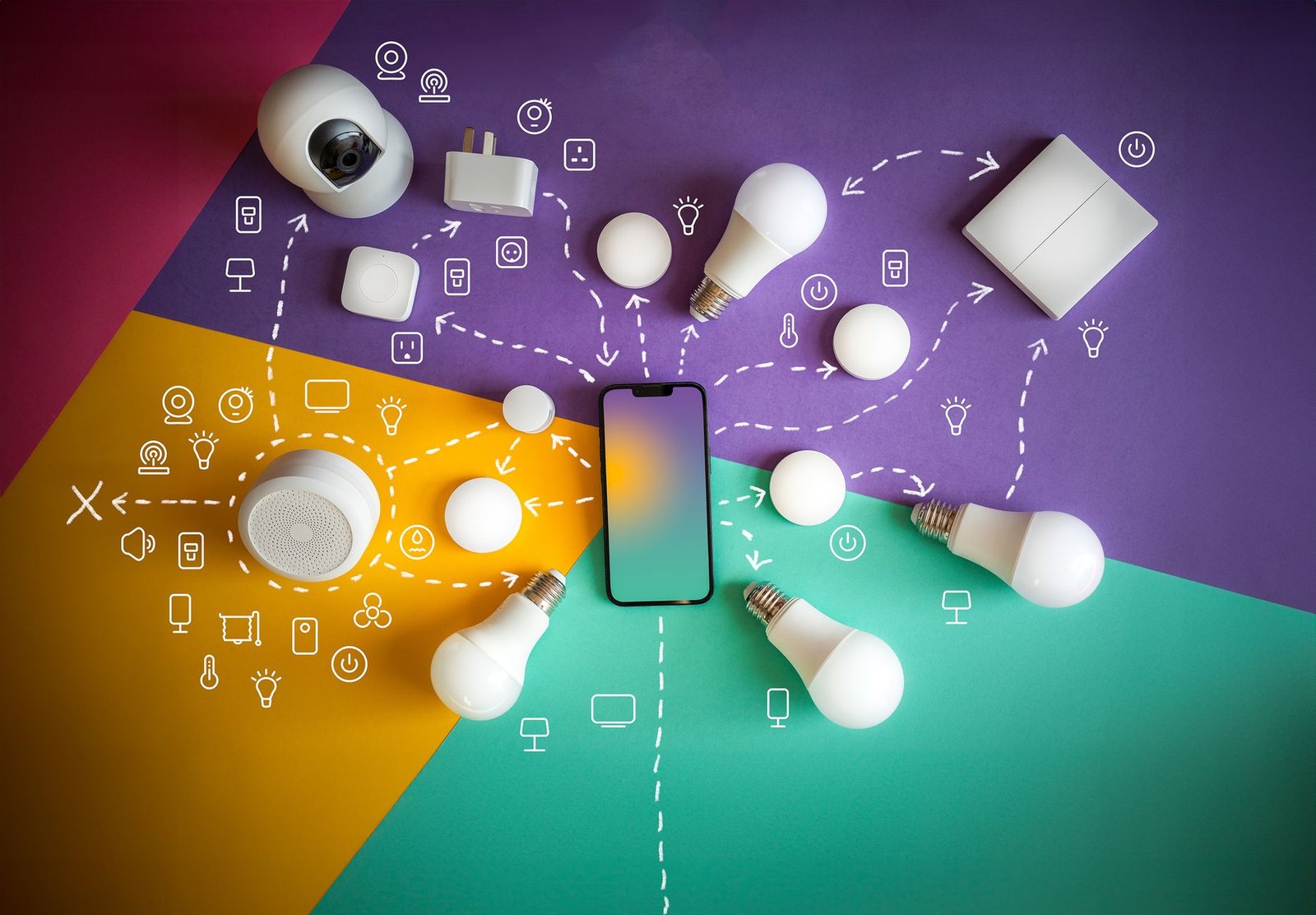
The modern home of 2026 thrives on seamless connectivity, where smart devices work in harmony to elevate domestic comfort, security, and efficiency. When these intelligent systems falter, often manifesting as frustrating disconnections, the carefully curated balance of an optimized living space is disrupted. This article provides five practical, step-by-step solutions for common smart device connectivity problems, empowering homeowners to maintain a stable and reliable smart home ecosystem.
Understanding the 2026 Smart Home Landscape
By 2026, smart home technology has permeated every aspect of residential living, from sophisticated climate control and dynamic lighting to advanced security and integrated entertainment. The sheer proliferation of devices, often from various manufacturers, underscores the critical need for robust and reliable network infrastructure. Modern homes frequently incorporate cutting-edge materials like advanced insulation, reflective surfaces, or expansive metal framing, all of which can subtly interfere with wireless signals. The advent of Wi-Fi 7 (802.11be) and the increasing adoption of the Matter standard are key developments aimed at addressing these complexities, promising enhanced bandwidth, lower latency, and streamlined device interoperability. Despite these advancements, connectivity issues can still arise, impacting the tranquility and efficiency of a well-designed interior.
Troubleshooting Fix 1: Optimize the Home Network Foundation
Leveraging Wi-Fi 7 and Mesh Systems
The core of any stable smart home lies in its network. Older Wi-Fi standards can struggle under the weight of numerous connected devices, leading to frequent dropouts. Wi-Fi 7, with its capacity for greater throughput and reduced congestion, is becoming the standard for new installations, offering a significant upgrade for bandwidth-heavy and latency-sensitive smart applications. For homes with extensive layouts or multiple floors, a robust mesh Wi-Fi system is indispensable, ensuring consistent signal strength across every corner, even where modern architectural materials might otherwise impede connectivity.
- Router/Access Point Placement: The central, unobstructed placement of the primary router and mesh nodes is paramount. Avoid locations near large metal objects, thick walls, or other electronics that emit electromagnetic interference.
- Channel Optimization: Accessing the router’s settings allows for channel optimization. While many modern routers automatically select the least congested channels, a manual check can sometimes resolve interference, especially in dense urban environments where numerous neighboring networks compete for bandwidth.
- Network Segmentation: For optimal performance, consider segmenting the network. A dedicated 2.4GHz network is often suitable for older or low-bandwidth smart devices, while 5GHz or 6GHz (Wi-Fi 6E/7) is reserved for high-performance applications and newer devices, minimizing potential bottlenecks.
Troubleshooting Fix 2: Ensure Device and Hub Firmware is Current
The Critical Role of Updates
Outdated device software or hub firmware is a frequent, yet often overlooked, cause of connectivity instability. Manufacturers regularly release updates that not only patch security vulnerabilities but also improve performance, enhance compatibility with new standards, and resolve existing bugs that might lead to disconnections. The widespread adoption of the Matter standard by 2026 aims to simplify cross-platform compatibility, yet individual device firmware must be current to fully leverage its benefits.
- Automatic Updates: Where available, enabling automatic updates for all smart hubs and individual devices is strongly recommended. This ensures that the smart home ecosystem benefits from the latest stability and security enhancements without requiring constant manual intervention.
- Manual Checks: Periodically, the homeowner should consult the manufacturer’s application or device interface to manually check for pending updates. A quick review during routine home maintenance can prevent future issues.
- Compatibility Checks: Confirming the device’s compatibility with the home’s primary smart hub (e.g., Apple HomeKit, Google Home, Amazon Alexa) and ensuring all components are running on compatible software versions can prevent unforeseen conflicts.
Troubleshooting Fix 3: Address Signal Strength and Range Limitations
Extending Reach with Modern Solutions
Even with advanced Wi-Fi infrastructure, physical distance, building materials, or interference can degrade wireless signals, leading to intermittent disconnections. An assessment of the home’s physical layout in relation to smart device placement is crucial. The growing integration of Thread networking into many low-power smart devices creates a self-healing mesh that can significantly extend connectivity beyond traditional Wi-Fi limits, particularly for sensors, smart locks, and lighting components.
- Relocation of Devices: Moving problematic devices closer to a Wi-Fi access point or a mesh network node can often resolve signal strength issues. This might involve minor adjustments to device placement within the interior design.
- Smart Repeater/Extender Use: While a full mesh system is generally preferred for seamless roaming, strategically placed Wi-Fi extenders can offer localized signal boosts in areas where mesh nodes are not practical. The resident should ensure these extenders are compatible and properly configured.
- Consider Dedicated Hubs: For certain device types (e.g., Zigbee, Z-Wave), using their dedicated hubs can establish more robust local networks that offload traffic from the main Wi-Fi, improving overall stability for those specific devices.
Troubleshooting Fix 4: Evaluate Power Stability and Device Health
Beyond Connectivity: The Power Foundation
Intermittent power supply can often mimic connectivity issues, leading to erratic device behavior or sudden disconnections. Homeowners should not overlook the power foundation as a potential source of problems. Many modern smart hubs include integrated battery backup solutions for critical functions, and smart plugs with power monitoring capabilities can provide insights into voltage fluctuations impacting devices.
- Stable Power Source: Ensure all smart devices are plugged into reliable electrical outlets that are free from frequent power fluctuations. Investing in quality surge protectors or uninterruptible power supplies (UPS) for critical hubs can safeguard against power-related disruptions.
- Device Battery Health: For battery-operated smart devices, such as sensors, thermostats, or smart door locks, regularly checking battery levels is essential. Low batteries are a common cause of erratic operation and premature disconnections, directly impacting the functionality and comfort of the living space.
- Overheating: Advise checking if devices are overheating, which can significantly impact their internal components and wireless modules, leading to performance degradation and disconnections. Ensuring proper ventilation around smart hubs and devices, particularly those in enclosed cabinetry, is key to their longevity and reliability.
Troubleshooting Fix 5: Reset and Reconfigure Methodically
The Ultimate Recalibration
When all other troubleshooting steps have been exhausted, a systematic reset and reconfiguration can often resolve persistent connectivity issues by clearing corrupted settings or establishing a fresh connection. By 2026, some advanced home network management systems incorporate AI-driven diagnostics that might recommend specific reset procedures, though manual intervention remains a common requirement.
- Soft Reset: For a quick fix, unplugging the problematic smart device (and its associated hub, if applicable) from its power source for at least 30 seconds before plugging it back in can resolve temporary glitches.
- Router Reboot: Power cycling the main home router and any mesh nodes is a fundamental step. This process refreshes the network, clears cached data, and re-establishes all wireless connections, often resolving a myriad of connectivity problems.
- Factory Reset and Re-pairing: As a last resort, performing a factory reset on the problematic device and then carefully re-pairing it with the smart home system can provide a clean slate. The homeowner must meticulously follow the manufacturer’s instructions for this process, as steps vary by device.
Conclusion
A stable and reliable smart home ecosystem is fundamental to the intelligent living spaces envisioned for 2026, directly contributing to domestic comfort and efficiency. By proactively addressing potential connectivity issues through network optimization, consistent updates, signal management, power stability checks, and methodical resets, homeowners can ensure their technologically advanced environments function seamlessly. Persistent issues, even after thorough troubleshooting, may warrant consultation with an IT professional or the device manufacturer’s dedicated support, preserving the elegant functionality and peace of mind that a well-connected home delivers.