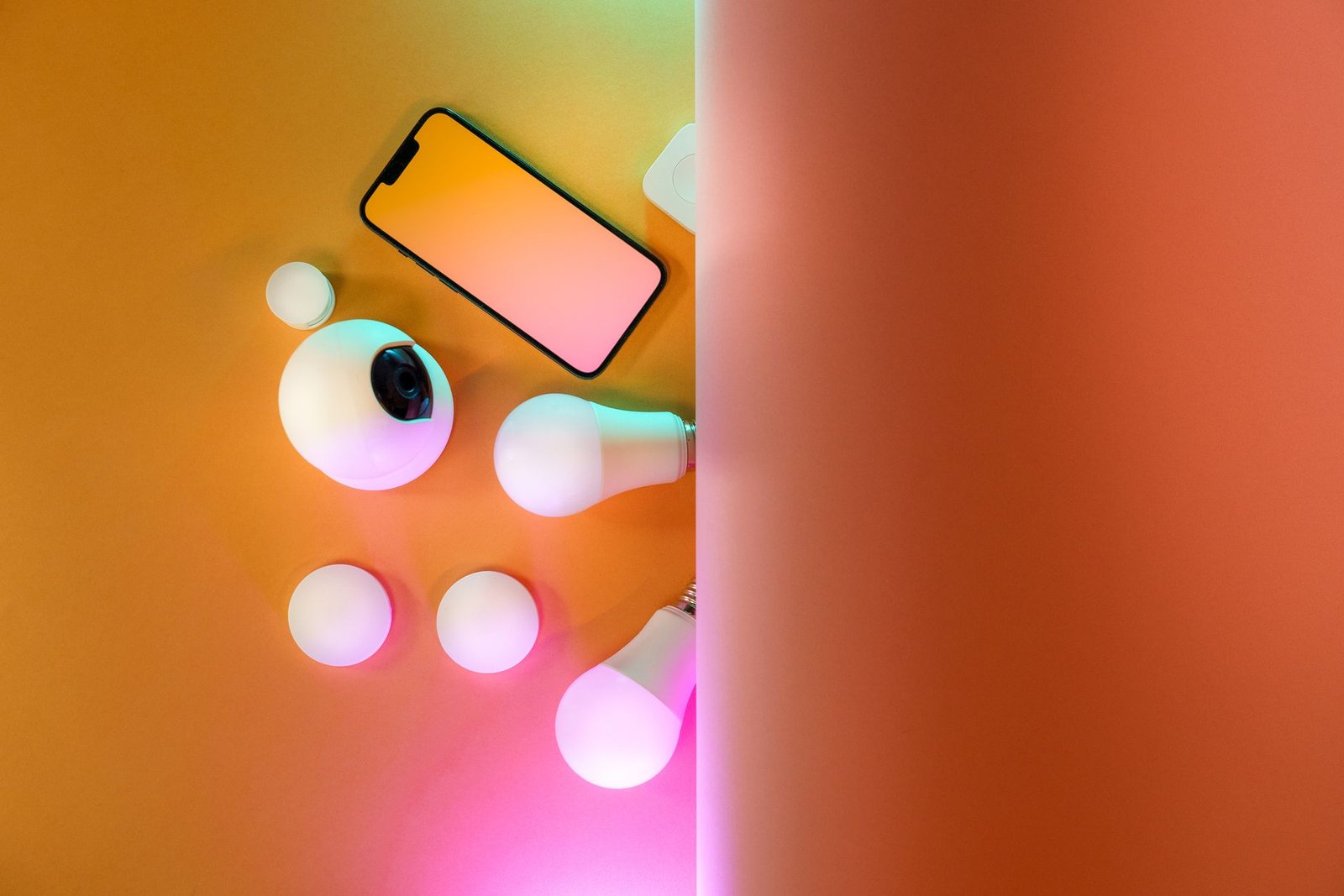
The convenience of smart lighting transforms modern homes, offering customizable ambiance and energy efficiency. However, instances where smart lights become unresponsive can be a source of frustration for residents. This comprehensive guide provides homeowners with a step-by-step approach to diagnose and resolve common issues, ensuring smart lighting systems function seamlessly in the 2026 smart home ecosystem.
As smart home technology, particularly lighting, integrates deeper into daily life—from circadian rhythm adjustments to enhanced security presence—understanding the fundamentals of troubleshooting is more critical than ever. This article addresses common challenges like connectivity problems, application glitches, or unresponsive smart bulbs, empowering the homeowner to quickly restore their system’s functionality.
Initial Troubleshooting & Connectivity Checks
Before delving into complex diagnostics, a series of fundamental checks can often resolve many smart lighting issues. The core of smart lighting reliability in 2026 still heavily relies on stable power and robust network connectivity.
The Power Cycle Protocol
Many electronic device issues, including those with smart lights, can be resolved by a simple power cycle. This process refreshes the device’s connection and internal state.
- Smart Bulb Power Cycle: The resident should first turn the affected smart bulb off at the physical light switch, wait for approximately 10-15 seconds, and then turn it back on. This allows the bulb to fully de-energize and restart its internal processes.
- Fixture Power Cycle: If individual bulb cycling does not work, turning off the main light switch or circuit breaker for the entire fixture can be effective. This ensures any connected smart relays or integrated fixtures also reset.
- Router/Hub Restart: Given the reliance on network communication, restarting the home Wi-Fi router and any dedicated smart home hub (e.g., for Zigbee 3.0 or Matter protocol devices) is a crucial step. Unplugging these devices for 30 seconds and then plugging them back in can clear network congestion and refresh connections.
Network Connectivity Verification
Smart lights, by their nature, depend on a stable wireless connection. Evaluating the network environment is paramount.
- Wi-Fi Signal Strength: The homeowner should verify that the smart bulb or its controlling hub is within adequate range of the Wi-Fi router. Weak signals, even with advanced Wi-Fi 7 (802.11be) mesh systems common in 2026, can cause intermittent communication. Tools within router management apps can help assess signal strength.
- Network Operation: Confirm that the home Wi-Fi network is active and other devices can connect to it. A general internet outage or router malfunction will naturally impact smart lights.
- 2.4GHz Band Confirmation: Many smart lighting devices, even newer 2026 models, primarily operate on the 2.4GHz Wi-Fi band for better penetration and range. The user should ensure the bulb is attempting to connect to this specific band if a dual-band network is in use, or that router settings aren’t inadvertently blocking 2.4GHz traffic for smart devices.
Smart Hub or Bridge Status
For systems utilizing a dedicated hub, its operational status is critical.
- Power and Connection: Ensure the smart hub is powered on and correctly connected to the home network, typically via an Ethernet cable.
- Indicator Lights: Observe the hub’s indicator lights. Manufacturers provide guides on what different light patterns signify (e.g., solid green for connected, blinking for error).
- Protocol Health: In 2026, hubs often support multiple protocols like Zigbee 3.0, Z-Wave, and the increasingly prevalent Matter. Confirming the hub’s internal status for these specific protocols can pinpoint issues.
Addressing Software & Device-Specific Glitches
Beyond basic connectivity, software-related issues or specific device faults can hinder smart light operation. Modern smart home ecosystems are highly reliant on robust software integration.
Smart Lighting App Diagnosis
The control application is the primary interface for smart lighting; issues within it can directly manifest as unresponsive lights.
- App Updates: Regularly check for and install updates for the smart lighting application. Manufacturers frequently release updates that address bugs, improve performance, and enhance compatibility, especially with new OS versions.
- Clear App Cache/Data: Accumulated cache or corrupted data within the app can cause glitches. Clearing the app’s cache (and data if necessary, though this might require re-login) can resolve these issues.
- Force Close and Restart: A simple force close of the app followed by a restart can refresh its connection to the smart home ecosystem.
- Confirm Device Status: Within the app, the resident should navigate to the device list and check the reported status of the unresponsive lights. Error messages or an ‘offline’ status can provide crucial diagnostic clues. Advanced AI-driven diagnostic tools, increasingly integrated into 2026 smart home apps, can often suggest direct solutions or highlight network bottlenecks.
Firmware and Device Updates
Just like apps, smart bulbs and hubs receive firmware updates. These updates are essential for security, performance, and compatibility with new standards.
Importance of Updates: The homeowner should ensure that both the smart bulbs and any controlling hub have the latest firmware installed. Manufacturers often push critical updates that resolve known issues, improve response times, and enhance interoperability with other smart devices, particularly relevant as the Matter standard matures across diverse ecosystems in 2026.
Re-pairing and Reset Procedures
When all else fails, re-pairing or factory resetting the device may be necessary.
- Re-pairing: If a single bulb is consistently unresponsive, attempting to re-pair it with the hub or Wi-Fi network can re-establish the connection. The specific steps vary by manufacturer but typically involve placing the bulb into a ‘pairing mode’ (often by cycling power a specific number of times) and then initiating discovery within the app. Matter-certified devices by 2026 offer a more streamlined re-pairing experience.
- Factory Reset: As a last resort, performing a factory reset on the smart bulb or hub erases all settings and returns it to its original state. This can resolve deeply embedded software issues but will require the homeowner to set up the device from scratch. Consult the manufacturer’s instructions carefully, as the reset process is often unique to each product.
Advanced Diagnostics & Future-Proofing for 2026
For persistent issues, a deeper dive into the environment and hardware may be required, considering the sophisticated nature of 2026 smart homes.
Interference and Signal Overload
Wireless signals are susceptible to interference from other devices.
- Identifying Interference Sources: Common culprits include microwaves, cordless phones, older Bluetooth devices, and even neighboring Wi-Fi networks operating on crowded channels. Identifying and relocating these devices or changing Wi-Fi channels can alleviate congestion.
- Network Congestion: In smart homes with numerous connected devices, the Wi-Fi network can become saturated. While Wi-Fi 6E/7 (802.11be) in 2026 offers significantly more bandwidth and dedicated 6GHz channels, the 2.4GHz band, where many smart devices reside, can still experience congestion. Network analytics tools or consulting with an ISP can help assess and manage network load. Newer smart lighting often incorporates enhanced internal shielding and advanced antenna designs to improve signal resilience.
Power Supply and Hardware Integrity
Sometimes the issue isn’t smart technology, but basic electrical or physical integrity.
- Fixture Power: Ensure the light fixture itself is receiving consistent power. Testing the socket with a known working traditional bulb can isolate whether the issue lies with the smart bulb or the fixture’s power supply.
- Bulb Inspection: Physically inspect the smart bulb for any visible damage, such as a loose base or a cracked casing. While 2026 LED technology offers exceptional longevity, physical impacts or manufacturing defects can occur.
Smart Home Ecosystem Health & 2026 Trends
A holistic view of the smart home is vital.
- Ecosystem Compatibility: As the smart home market matures, ensure all devices are truly compatible. The rise of the Matter standard in 2026 aims to simplify this, but legacy devices or niche products might still present challenges. Prioritizing Matter-certified devices for new installations ensures better interoperability and long-term support.
- Network Segmentation and Security: For advanced users, segmenting the home network (e.g., a dedicated VLAN for IoT devices) can improve security and network performance by isolating smart devices. This practice is becoming more prevalent in 2026 due to heightened cybersecurity concerns.
- Energy Efficiency & Longevity: Modern 2026 smart bulbs boast highly efficient low-power System-on-Chip (SoC) designs, which enhance reliability and reduce heat, prolonging component life. However, even these advanced components have a finite lifespan.
When to Seek Professional Help
If persistent issues defy all troubleshooting attempts, professional assistance may be required.
- Manufacturer Support: Contacting the smart light manufacturer’s customer support is often the next step. They can provide specialized diagnostics, warranty information, or guidance on replacement.
- Smart Home Integrator: For complex smart home setups or recurring problems, consulting a professional smart home integrator can be beneficial. These experts can diagnose underlying network issues, reconfigure entire systems, and provide solutions tailored to the specific residence.
By systematically addressing these common issues, homeowners can confidently diagnose and resolve problems with unresponsive smart lights. A proactive approach to device updates and network maintenance ensures that the benefits of modern smart lighting continue to enhance domestic comfort and efficiency for years to come.